Click to Play
It is free!
Please be patient while game is loading
 ★ 4.1
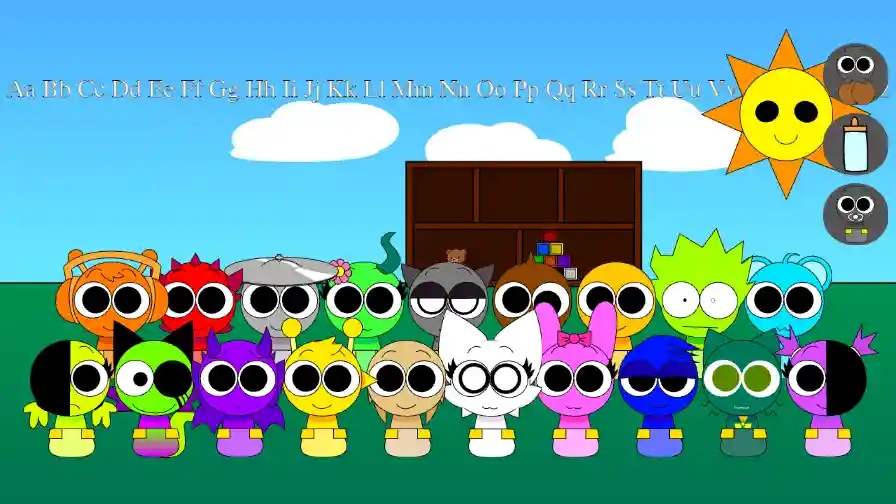
Keep every baby calm in Sprunki Babies Daycare Interactive (Updated).
 ★ 4.8
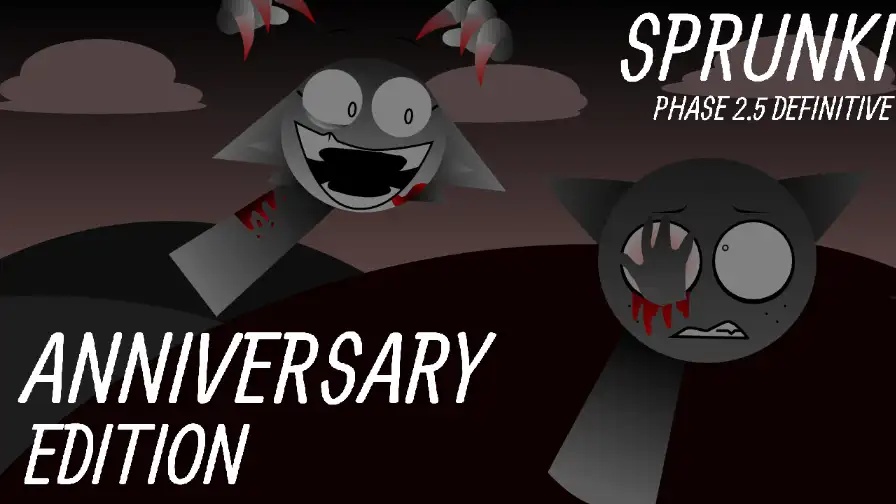
Build a cheerful Sprunki mix, then trigger a dark remix.
 ★ 4.1
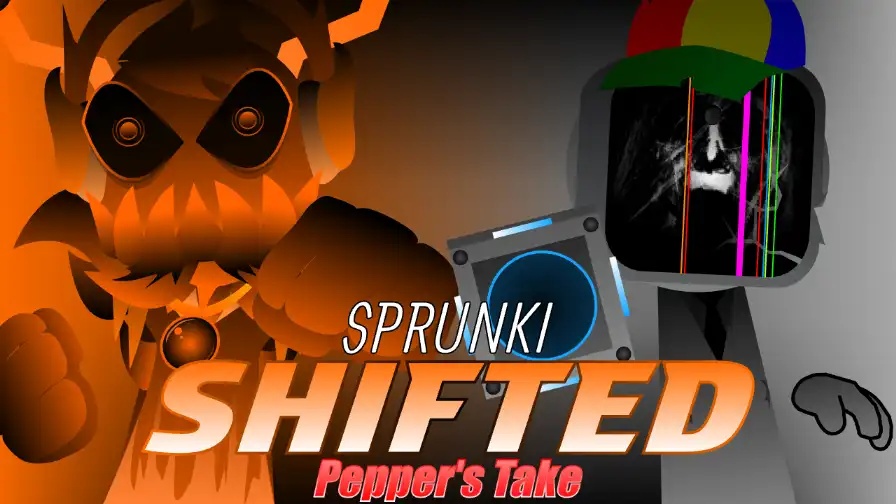
Stack corrupted loops, then trigger a browser horror shift.
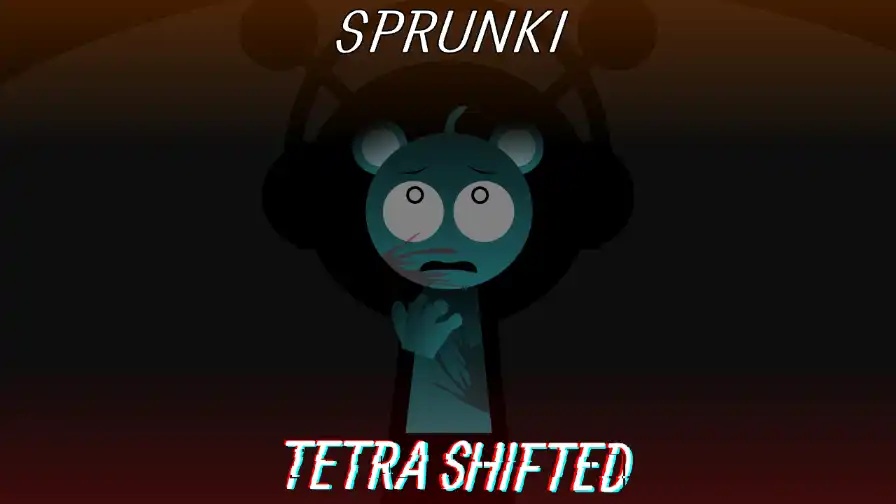 ★ 4.1
A four-slot swap turns Sprunki Tetra Shifted into a dark music puzzle.
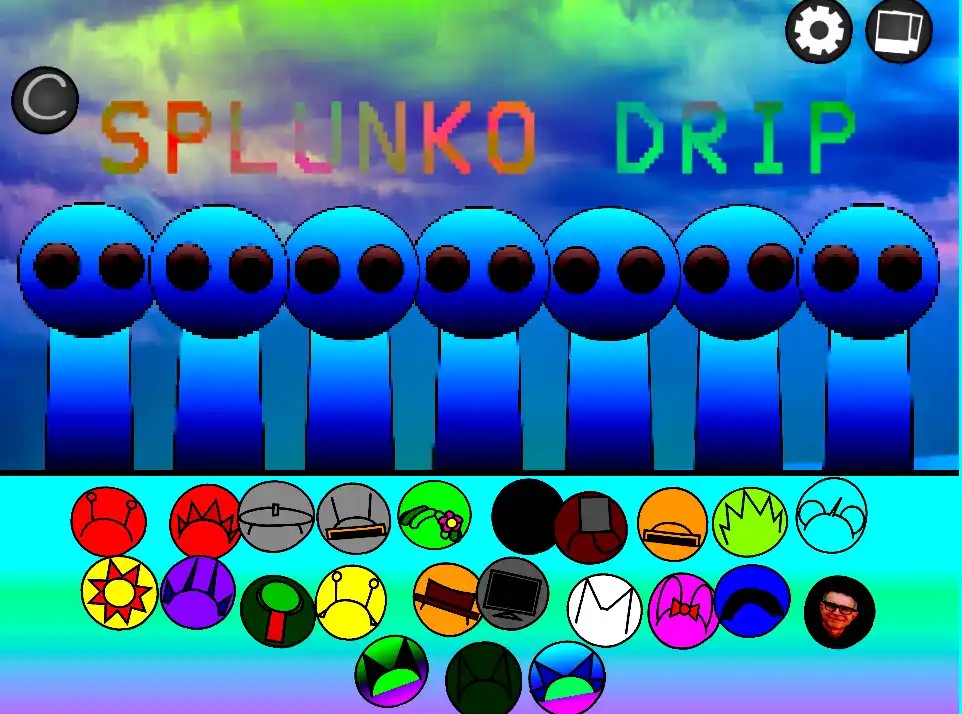 ★ 4.9
SPLUNKO DRIP blends hip-hop loops with a hidden horror twist.
 ★ 5
High-energy Sprunki mod with explosive sounds, visuals, and hidden combos.
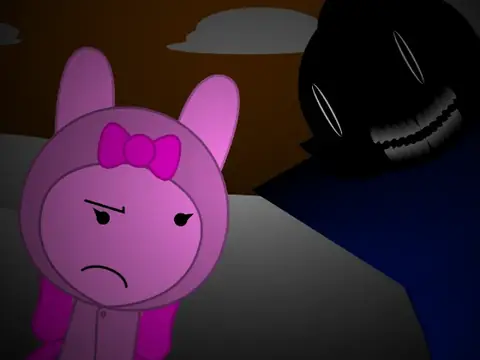 ★ 5
Raw unshifted Sprunki mod with fixed-frequency beats.
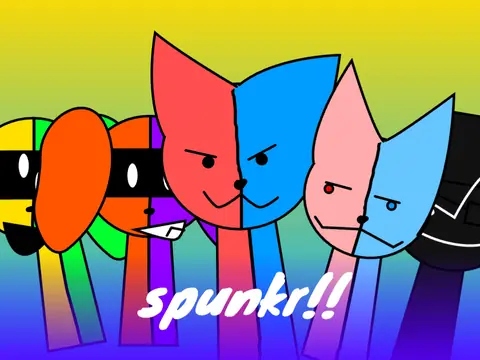 ★ 4.1
Fan-made Sprunki mod: 41 characters, secrets, eerie soundscapes.
 ★ 4.4
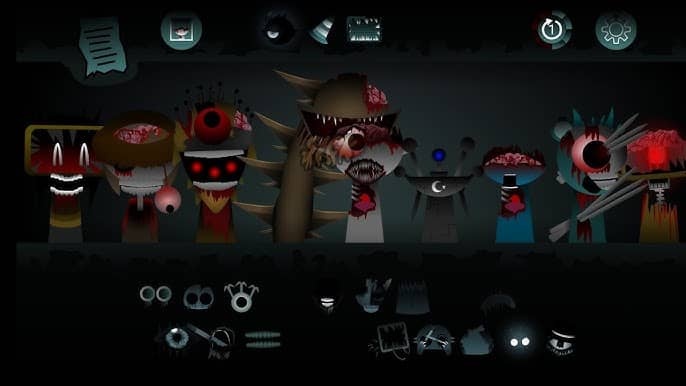
A rebuilt Phase 7 with crisper sound, sharper art, and new combo surprises.
 ★ 4
Dark Sprunki mod for immersive, cinematic atmospheric music.
 ★ 4.4
Paper Sprunki Fanon Treatement: handcrafted cutout beats, whimsical visuals, endlessly remixable.
 ★ 4.2
Haunting Sprunki mod: reversed beats, secret combos, shareable mixes.
 ★ 5
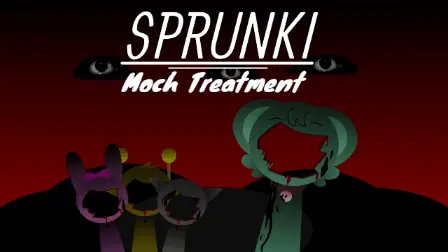
Haunting Sprunki mod where Moch’s music becomes psychological horror.
 ★ 4.5
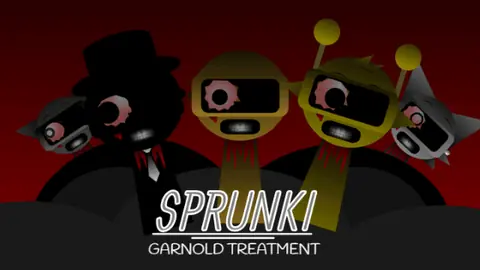
Golden Garnold remix elevating beats, visuals, and narrative.
 ★ 4.8
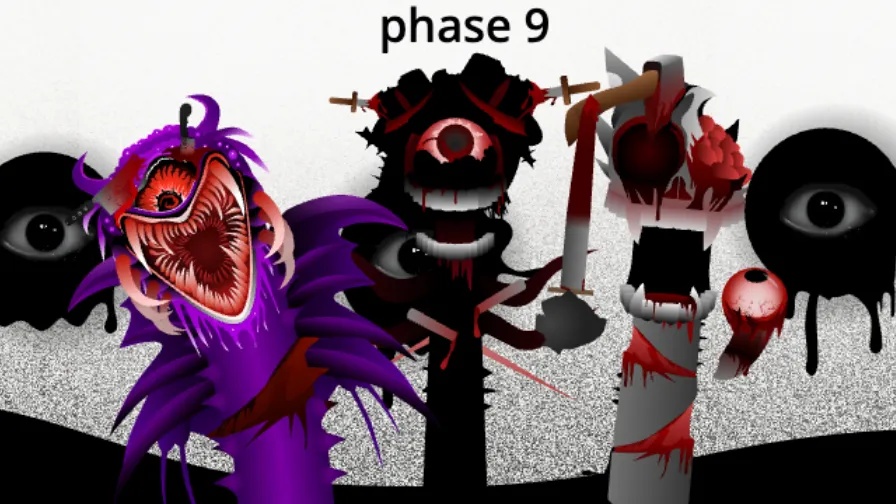
Play Sprunki Phase 9 ggtp v1.5 for broken, glitch-driven beats.
 ★ 4.4
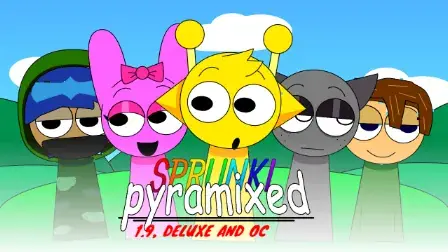
Create cinematic Egyptian beats with the Sprunki Pyramixed DELUXE mod
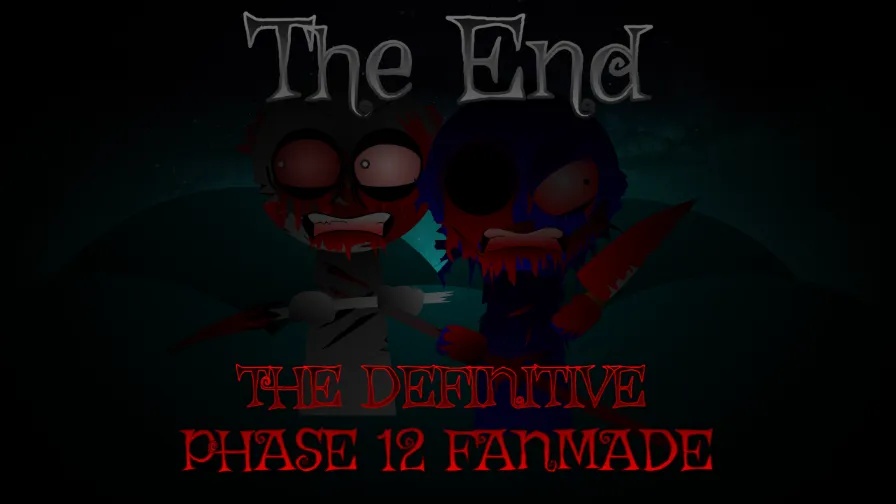 ★ 4.6
Mix one last track and finish the Phase 12 story.
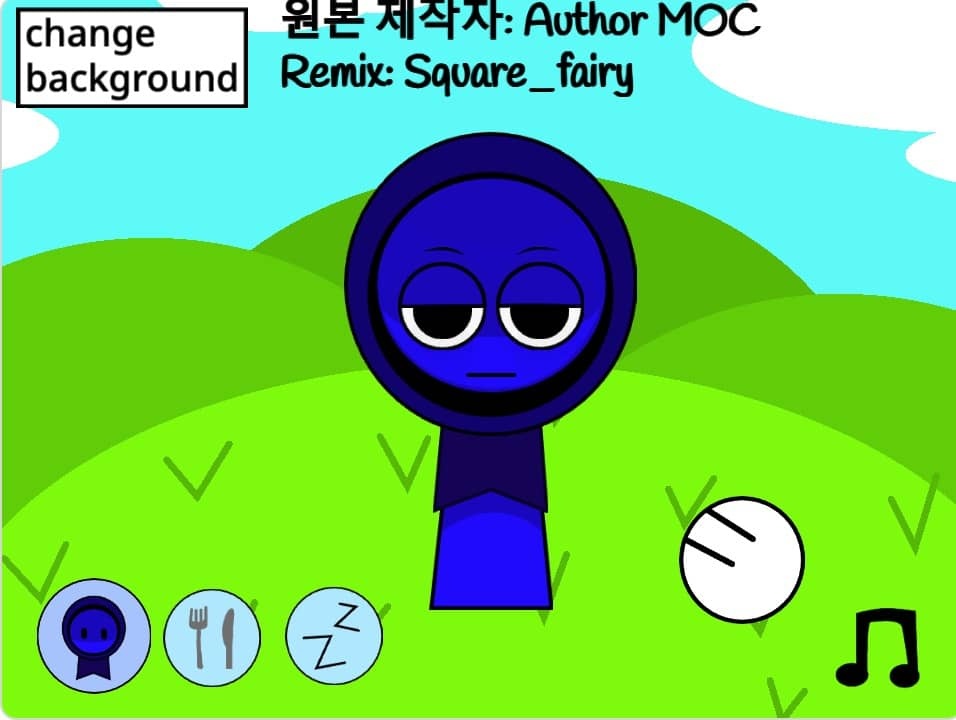
Interactive Jevin is a free browser character game about poking, dressing, and settling a playful figure to sleep. Tap areas of his face and his expression changes. You can visit his kitchen and bedroom, swap out his meals, and control the background tune with a music button. Press and hold his body to make his hands appear. It plays online at no cost and needs no download. The whole game opens in your browser, so you can begin right away. Each tap sets off a small animation, and the two rooms provide more than one activity.
Open the page and wait a moment for the scene to show up. You do not need to install anything, create an account, or download a file, since it runs in a browser tab on our site.
Tap or click his eyes, eyebrows, mouth, cheeks, or forehead. Every spot gives a different face, so you can create a reaction tap by tap and keep altering it.
Keep your pointer pressed on his body for a moment, and his hands come out. Let go and they go back. This shows how a hold differs from a quick tap.
Tap the fork and knife icon to enter the kitchen. There you can move objects and press the change button to replace his meal with another dish.
Tap the ZZ button to get to the bedroom, then settle him with the blanket or the light. Sleep mode is a peaceful scene, not a test, so you cannot fail.
The hat button adds or removes his hat. The music note icon switches the background track on or off, letting you play with sound or in quiet.
Many Sprunki mods have you layer sound loops across a stage crowded with characters. Interactive Jevin takes a different path. Here you get one character and many little reactions to discover. Tap his eyebrows, mouth, eyes, or cheeks to shift his face, and hold his body so his hands appear. The kitchen and bedroom add objects to move, dishes to replace, and a sleep mode you start with the blanket or the light. No clock runs and no move is wrong, which makes it a quiet, hands-on toy.
Yes. It costs nothing to play in your browser on our site, and you do not need an account, download, or payment. The game starts in the tab as soon as the page opens.
You tap and hold the character. A tap on a face part changes his expression, a hold on his body brings out his hands, and the icons lead to the kitchen, bedroom, hat, and music switch.
Yes, in most cases. The controls rely on taps and holds, which suit a touchscreen. A modern phone or tablet browser that can handle small interactive pages should run it, but we cannot guarantee smooth play on every device.
You can move items around and change his meal there. Tap the fork and knife icon to open the kitchen, use the change button to swap his dish for another, and then switch it back.
Press the ZZ button, then tap the blanket or the light. Both options put him to sleep. This mode is peaceful and has no timers or objectives.
Yes. A music note icon switches the background music on or off. You can leave the track playing or go silent without altering any other setting.
You can tap the eyebrows, mouth, eyes, cheeks, or forehead to alter his face. Every part works on its own, so there are lots of combinations to test.
The fork and knife symbol takes you to a kitchen. There you can rearrange objects and use the change button to trade his food for another dish. It plays like a tiny sandbox.
Press the ZZ button to enter the bedroom. The blanket or the light will make him sleep. This is the game's quietest area and easy to start.
A note icon controls the background tune. Leave it on as you tap around, or turn it off to play in silence.
One tap places his hat on his head, and another removes it. This small extra changes his look without taking you out of the scene.
Comments