Click to Play
It is free!
Please be patient while game is loading
 ★ 4.3
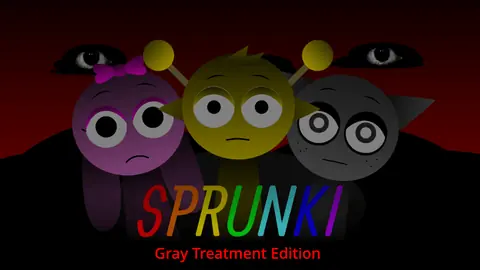
Moody grayscale Sprunki mod with cinematic sound and emotional depth.
 ★ 4.9
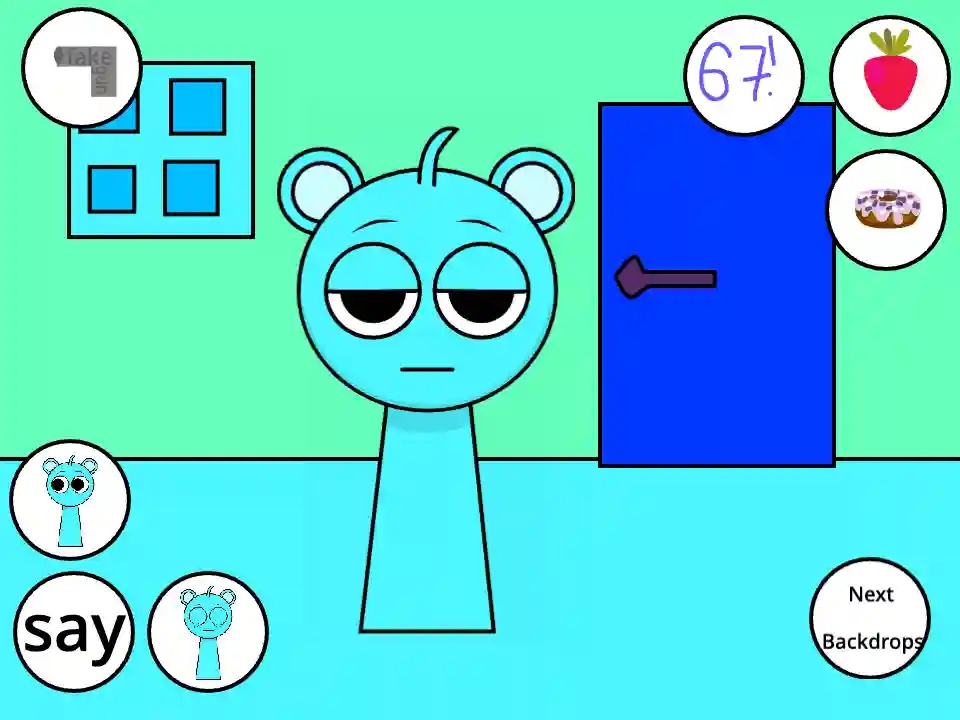
Talk, feed, and poke Sky in this free browser pet game.
 ★ 4.8
Psychological audio-horror: Wenda’s descent in the Sprunkiverse.
 ★ 4.1
Glitchy Incredibox mod fusing Simon's Realm and haunting Wenda Treatment.
 ★ 4.7
Surreal Wenda mod blending eerie, haunting sound and visuals.
 ★ 4.6
Horror-driven Sprunki mod to compose eerie tracks and uncover Wenda’s dark transformation.
 ★ 4.1
Definitive Wenda mod: revamped audio, visuals, and lore.
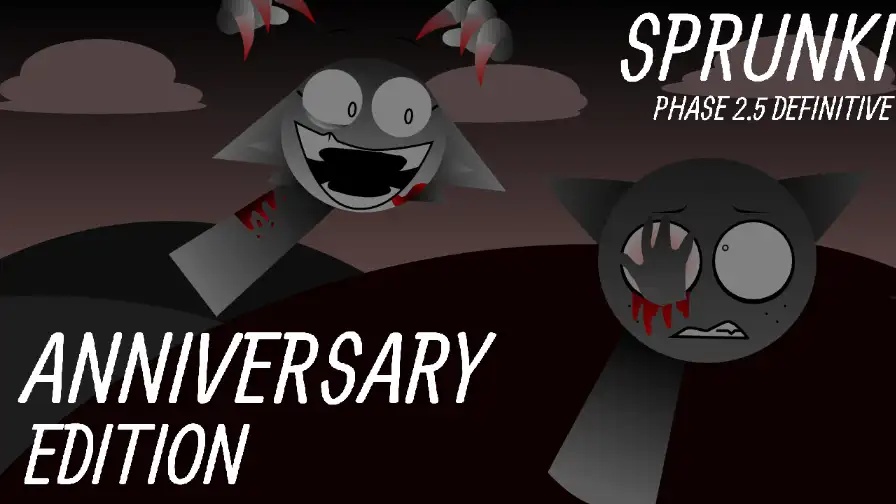 ★ 4.8
Build a cheerful Sprunki mix, then trigger a dark remix.
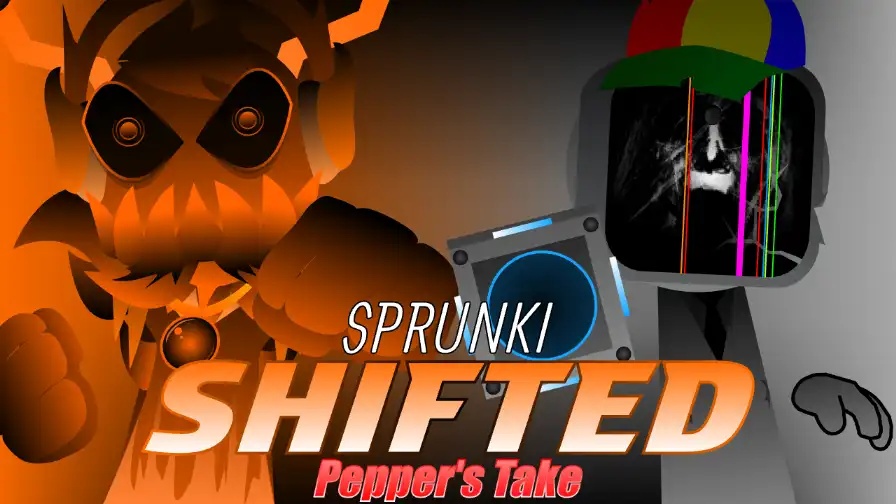 ★ 4.1
Stack corrupted loops, then trigger a browser horror shift.
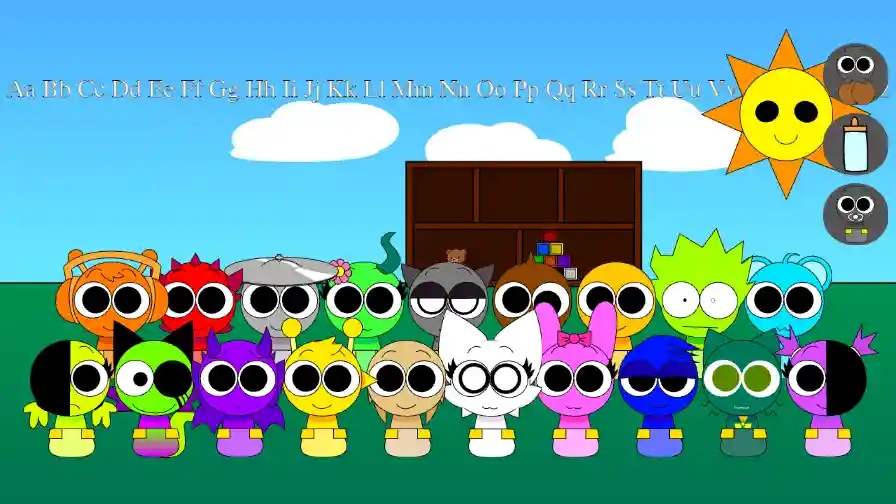 ★ 4.1
Keep every baby calm in Sprunki Babies Daycare Interactive (Updated).
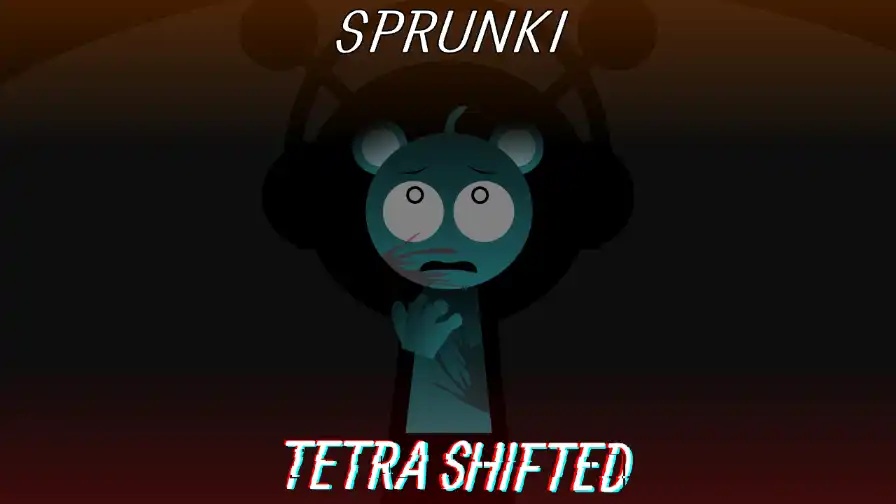 ★ 4.1
A four-slot swap turns Sprunki Tetra Shifted into a dark music puzzle.
 ★ 4.4
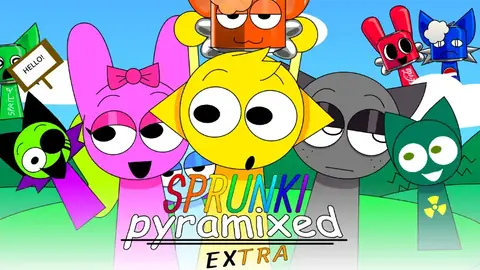
Craft cursed Egyptian beats with Sprunki Pyramixed EXTRA mod.
 ★ 4.7
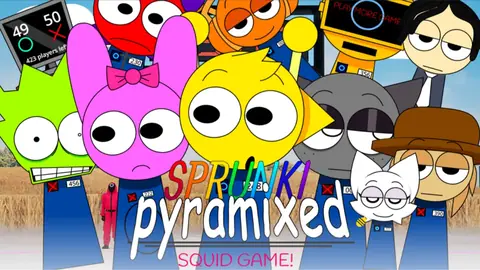
Squid Game tension meets Sprunki Pyramixed music-mixing challenge.
 ★ 4.9
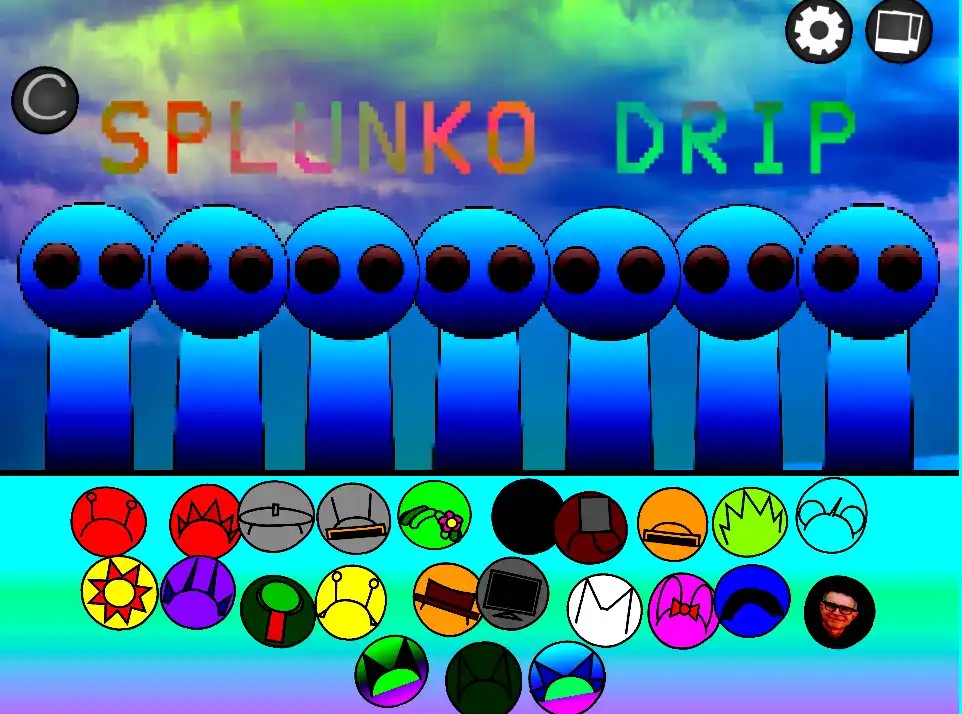
SPLUNKO DRIP blends hip-hop loops with a hidden horror twist.
 ★ 4.5
Build a living-corruption horror mix in this browser mod.
 ★ 4.8
Create unique tracks with vibrant characters using the Mustard Engine.
 ★ 5
Fan-made Parasprunki Sprunki mod with codes, evolving scenes, unlockables.
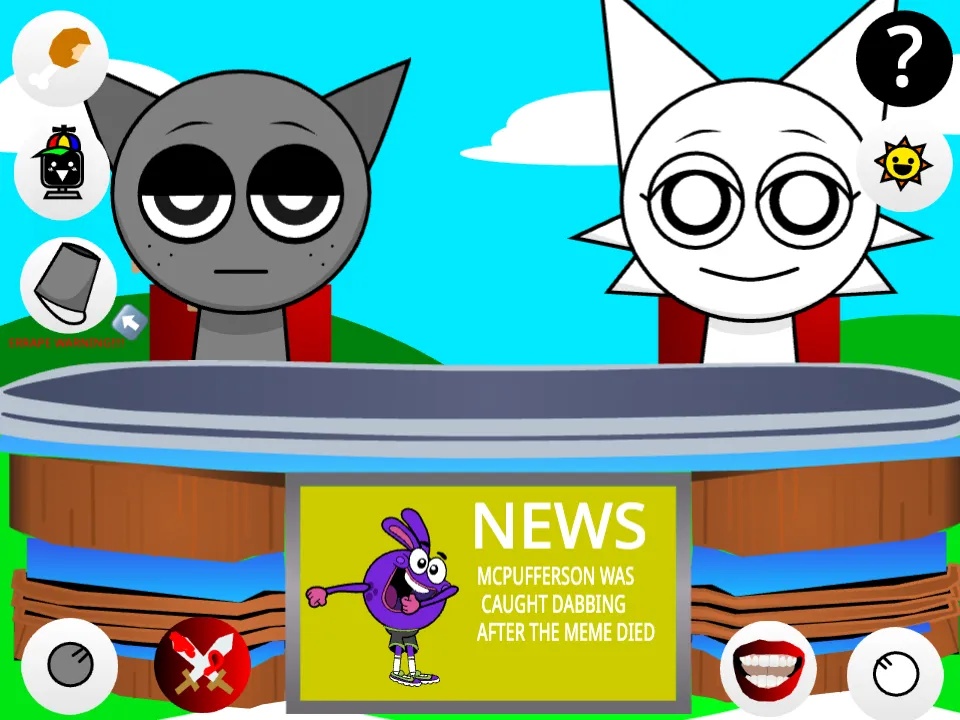
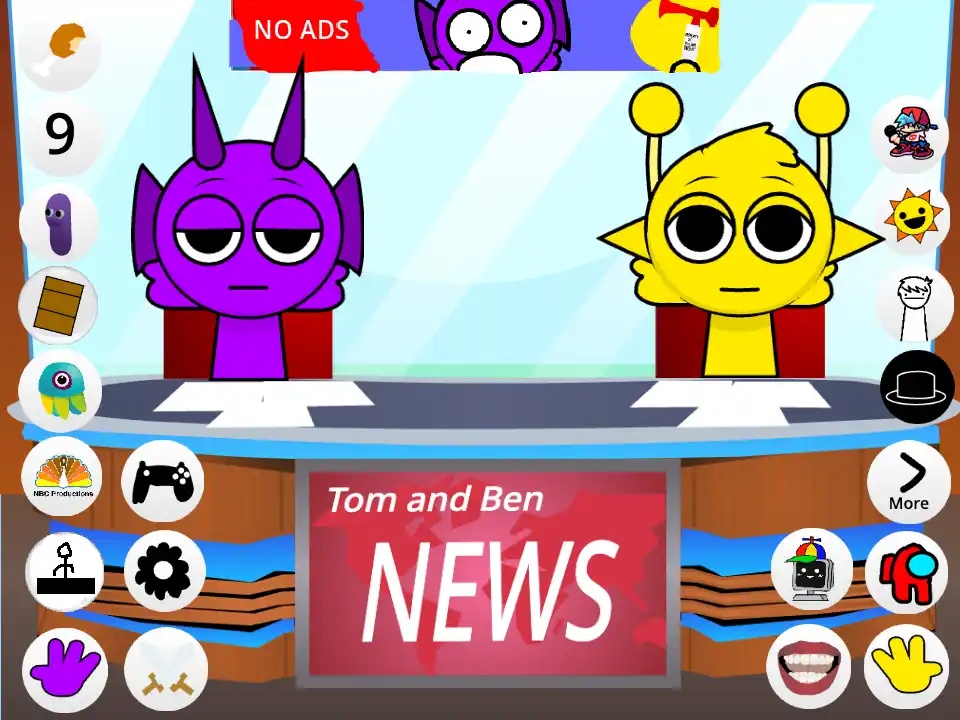
Sprunki - Talking Gray & Wenda News is a fan-made parody of Talking Ben where two Sprunki characters run a chaotic news desk. You do not mix beats here; you tap controls around the set to feed the hosts, call them, or pass them items. A click may get a calm refusal, or it may trigger a pineapple invasion and then a Technical Difficulties screen. Gray keeps a deadpan tone as the main host, Wenda answers almost everything with a reaction, and a second channel swaps in Durple and Simon with his airhorn. The game is free to play in your browser, so you can load the studio and begin pressing buttons at once.
Launch the game in your browser and wait for the broadcast studio to appear. Two anchors sit at a desk, buttons surround them, and a news ticker moves across the bottom.
Choose any icon to give the hosts an item. Cake, phones, and props come with their own animations, and the reply may be a simple no or a complete studio meltdown.
Use the phone to ask the hosts a question. You hear short voice clips in reply, and a few answers can trigger unscripted moments that the question did not seem to set up.
Move the anchor pairing to Durple and Simon for a louder broadcast. Simon carries an airhorn and a sword, and his outbursts send you to a Technical Difficulties screen faster than anything else.
Check the blue headline bar beneath the desk between clicks. It contains jokes, virus warnings, and small lore nods that suggest the studio has a world beyond its two hosts.
Use the same prop again and again, and easter eggs begin to appear. If you spam Simon's airhorn, for instance, a text bubble reveals who really owns it.
Many Sprunki mods center on arranging characters and building a track. Here the music mixing is gone, replaced by a control desk. The core loop is reaction comedy: you press something, the hosts respond, and the studio either settles down or breaks apart. The two anchor teams feel different, with one slow and deadpan and the other loud and destructive. Hidden headlines, cameo characters, and achievement text give you reasons to click the same controls again. It makes a light break from the heavier horror-leaning mods, and it runs in your browser at no cost.
Yes. It costs nothing to play online in your browser, and you do not need an account or a download. The full interactive news desk loads on the page, so a browser and a connection are enough to start pressing buttons.
You press the buttons placed around the news desk. Each button calls an anchor, feeds one, or gives a prop, and every click sets off an animation or a voice line. You do not need to learn any beat building.
No. This is a fan-made Sprunki mod that uses the cast but not the gameplay. You do not layer loops to make music; you interact with a talking news desk in the Talking Ben style, so the outcome is comedy instead of a track.
The screen is a cutaway gag. If you set off a moment the live feed cannot handle, like the pineapple invasion or a Simon outburst, the image cuts to SMPTE color bars with a brief message before the scene resets.
Yes, there are several. The blue news ticker contains joke headlines and virus warnings, cameo characters like Jevin show up in the background, and if you repeat actions, such as pressing Simon's airhorn, you can unlock text bubbles tied to easter eggs.
Gray and Wenda take the main desk, while Durple and Simon host a second, wilder show. The same buttons produce different reactions from each pair.
Set off the pineapple invasion or a Simon outburst, and the feed switches to color bars with a "We'll Be Right Back" message before the scene resets.
A blue headline strip scrolls under the desk and carries joke stories, computer virus warnings, and references that flesh out the newsroom setting.
Give Wenda a birthday cake slice, and Clukr grabs it from her, leaving her stunned. The prank is one of the mod's signature running gags.
Bonus text bubbles, achievement messages, and short background cameos by characters such as Jevin and Mr. Fun Computer reward you when you keep clicking.
Comments