Click to Play
It is free!
Please be patient while game is loading
 ★ 4.6
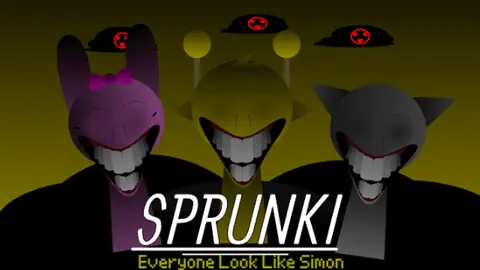
Horror Sprunki mod reimagining Simon with unsettling audio.
 ★ 4.9
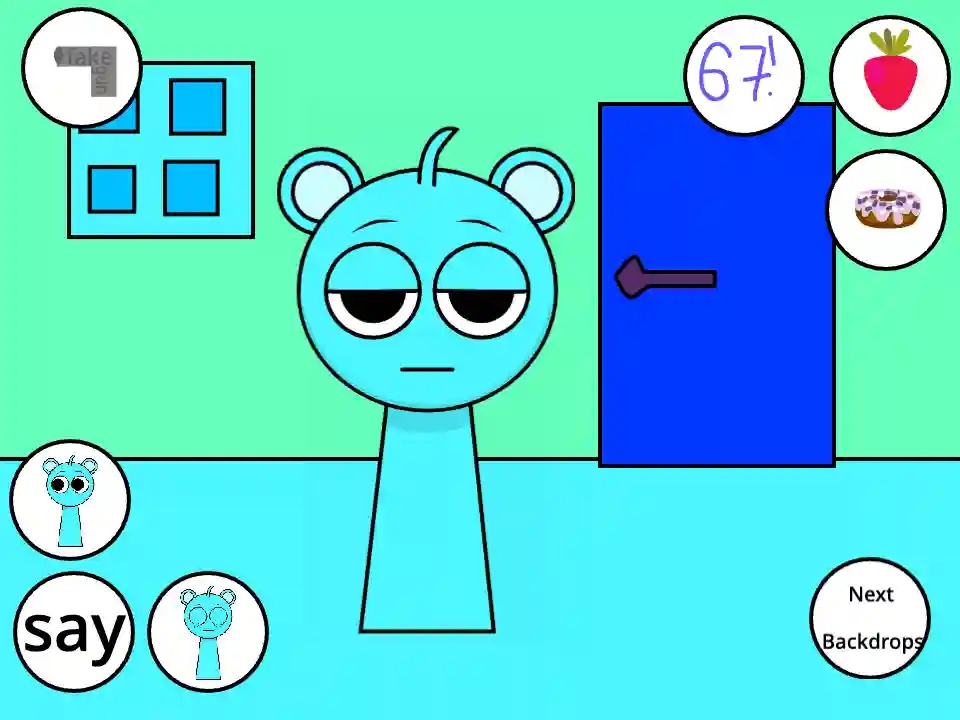
Talk, feed, and poke Sky in this free browser pet game.
 ★ 4.2
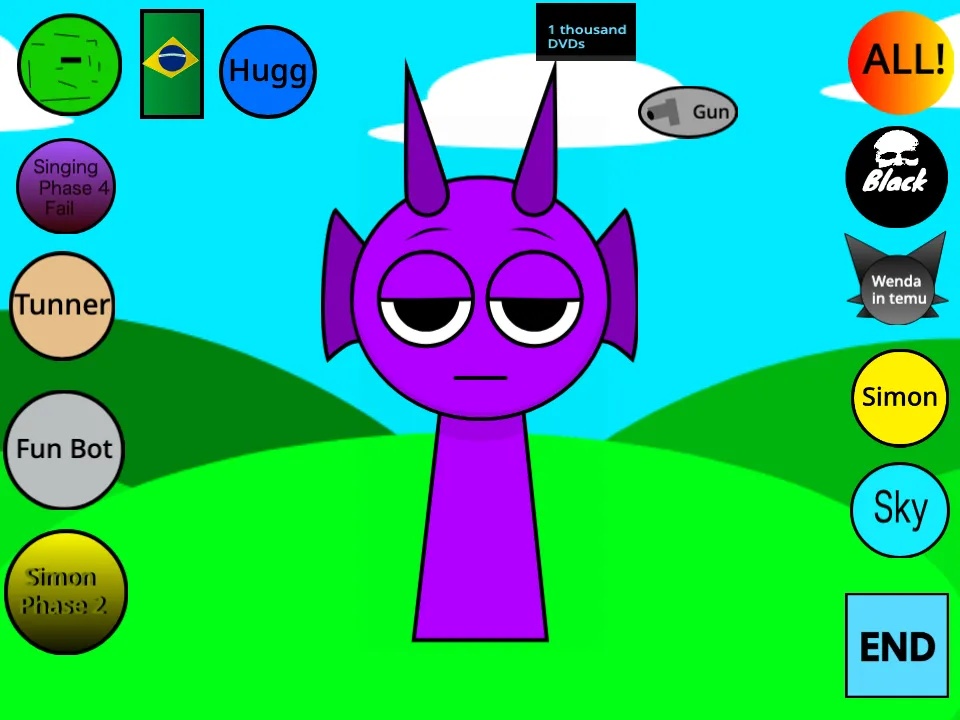
Thump grumpy Durple and stack the yelps into wild Sprunki beats.
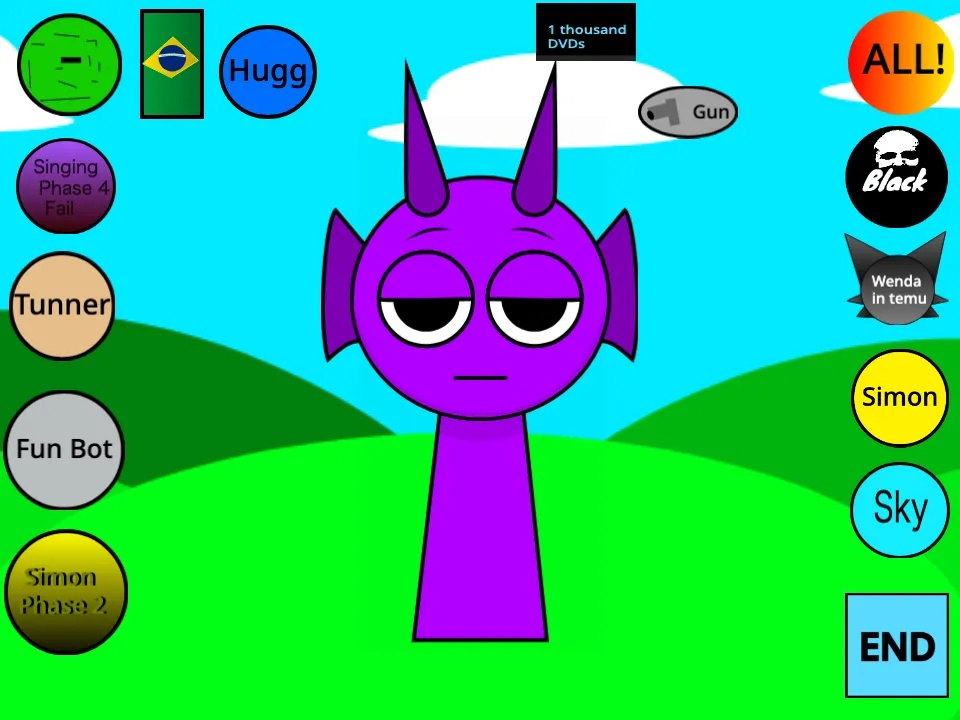 ★ 4.2
Fling sound icons at a grumpy purple blob and stack up chaotic beats.
 ★ 4.1
Horror Sprunki Durple soundboard mod with eerie audio-visuals.
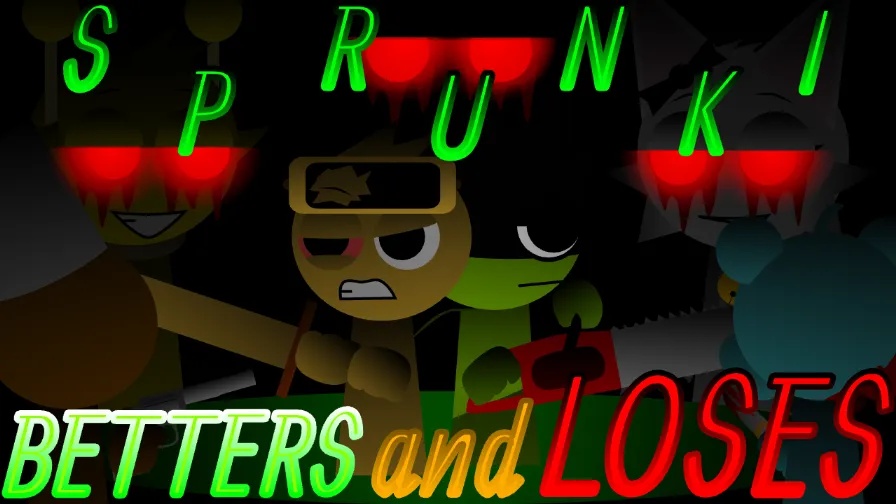 ★ 4.6
Drop characters where every beat can win or cost you.
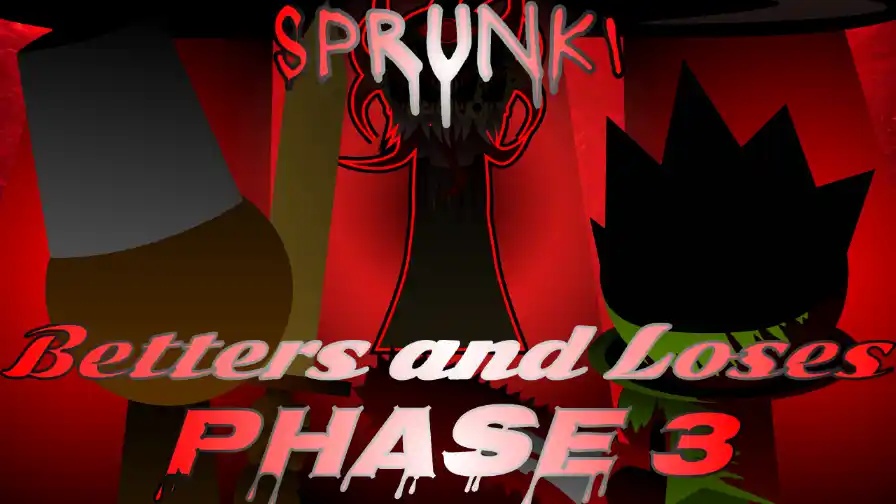 ★ 4.5
Stack eerie Phase 3 loops from dead survivors and a killer Wenda.
 ★ 4.8
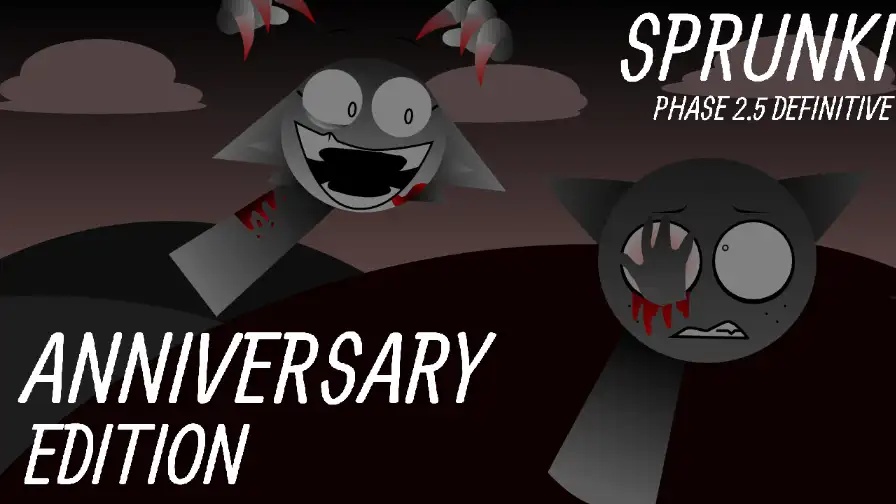
Build a cheerful Sprunki mix, then trigger a dark remix.
 ★ 4.1
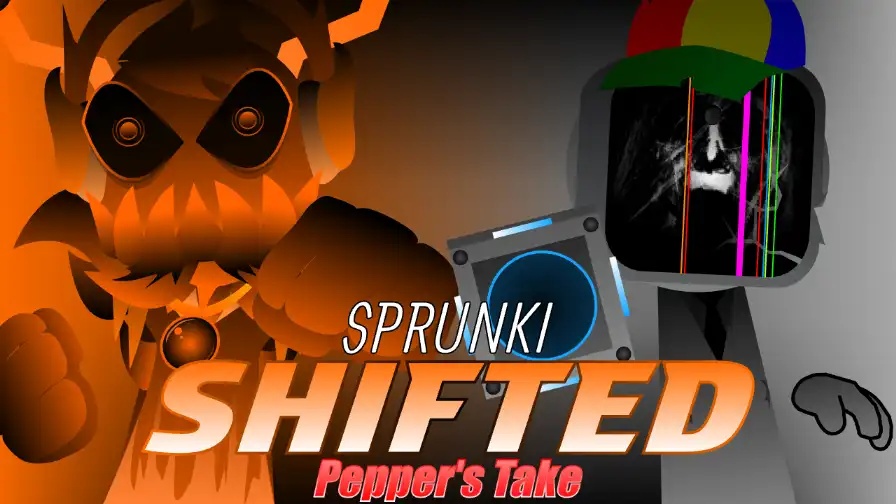
Stack corrupted loops, then trigger a browser horror shift.
 ★ 4.1
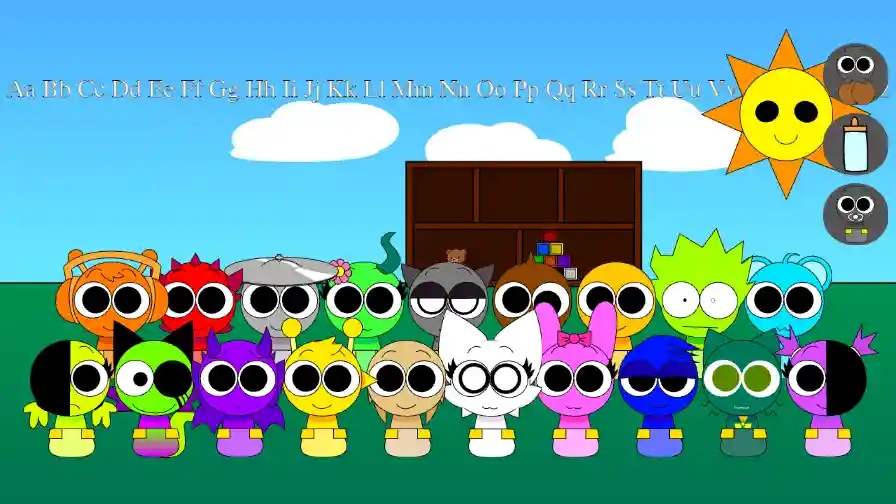
Keep every baby calm in Sprunki Babies Daycare Interactive (Updated).
 ★ 4.1
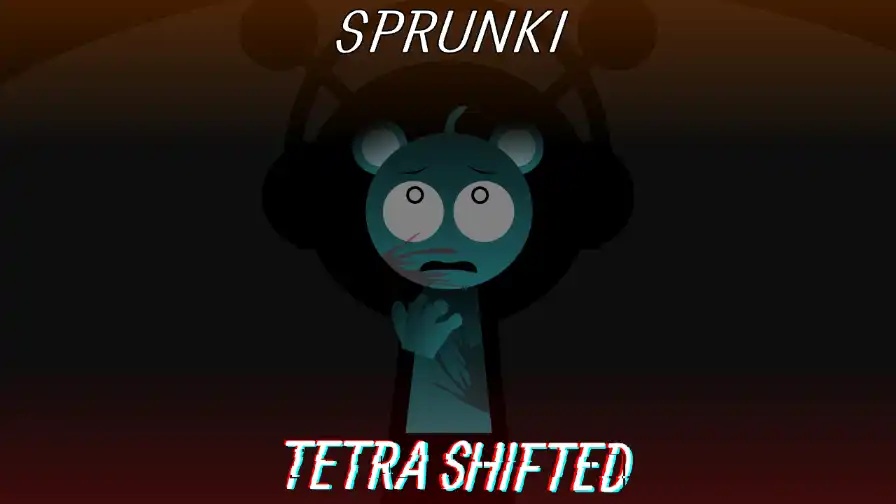
A four-slot swap turns Sprunki Tetra Shifted into a dark music puzzle.
 ★ 4.5
Create haunting melodies in a mysterious world with ghostly visuals.
 ★ 4.2
Human-sound Sprunki mod for organic, playful, shareable beatmaking.
 ★ 4.5
Stack hot beats beneath a crimson sun, then share your mix.
 ★ 4.2
Art-filtered Sprunki mod with warm tones, radiant sounds.
 ★ 4.1
Ancient-inspired Incredibox mod blending Phase 1 classics with fresh remixes.
 ★ 5
Haunting Sprunki mod where Moch’s music becomes psychological horror.
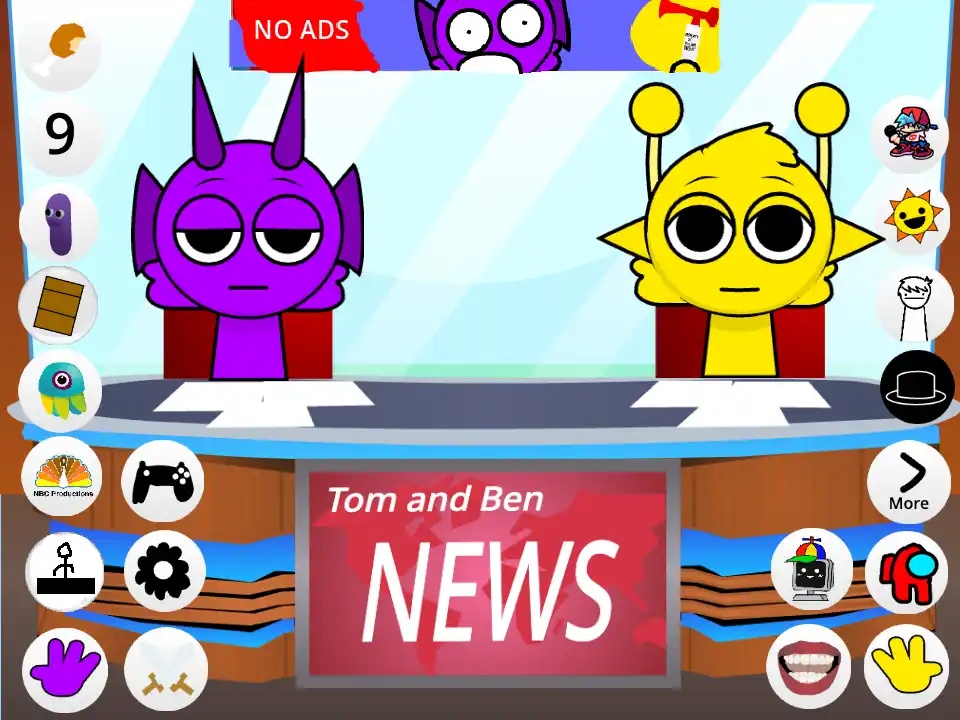
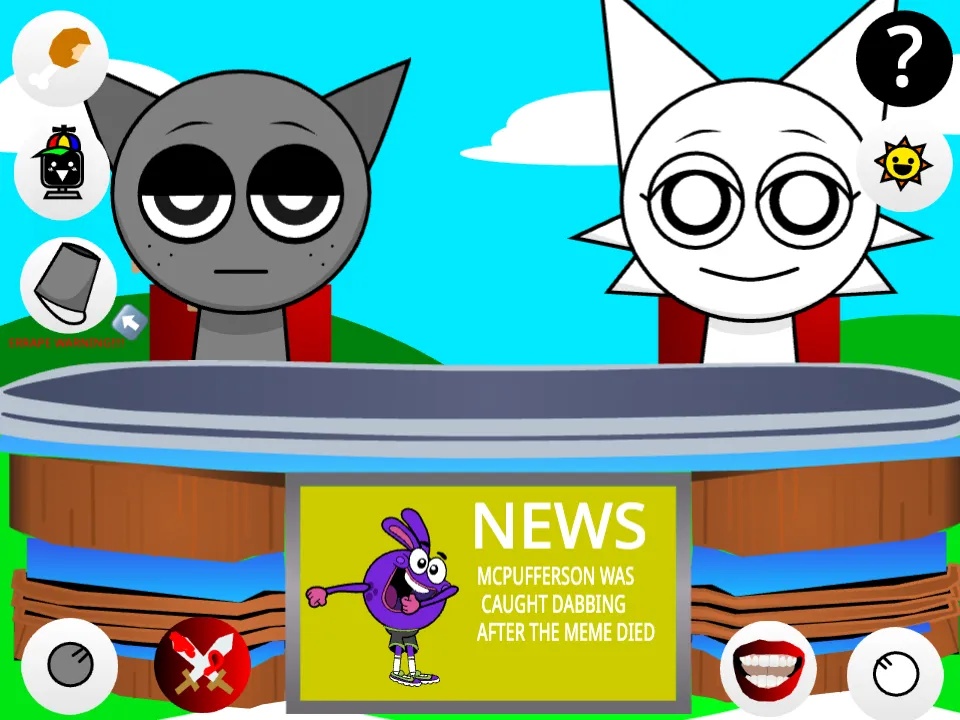
Sprunki - Talking Simon and Durple News is a comedy Incredibox fan mod that puts Simon and Durple in charge of a messy TV news show. You work at a news desk with microphones and a screen filled with breaking news graphics rather than a normal music stage. Every icon you place sets off a jingle, a news headline, a laugh track or a spoken line between the two hosts. You are directing a broadcast, not building a song, and the humor grows from arguments, technical difficulties and guest interviews. The game is free in your browser, so you can start a show with no download.
The studio shows up as soon as the page loads, with Simon at the anchor desk and Durple next to him. You do not need to install anything. Look over the icon row for a moment before you drop your first sound.
Begin with a news jingle or typing sound to set the broadcast tone. The intro sound typically sits in the first beat category, so check those icons before you try the rest.
Place a voice icon on Simon to play a headline in his tense anchor voice, then put another on Durple for a reaction. Space the two apart so the lines feel like a back and forth.
Send a character like Oren or Pinki to the guest position, and the guest answers Simon's questions with beatboxing. That guest helps the music side of the mod stay alive within the comedy.
The desk papers, Durple's microphone and the rear screen all react to clicks. A few trigger a hidden easter egg, and the breaking news alert may change the tempo.
Wait for a sentence to end before you trigger the reply. Comedy timing counts more than a perfect loop in this mod, so mute icons and place them again until the exchange sounds natural.
Many Sprunki mods go for horror, quicker beats or new character designs. Here the stage becomes a television studio, and your job is to run a live show. Simon is the stressed lead anchor, and Durple keeps interrupting as the goofy co-host, so each sound you add carries a joke. Dialogue and reaction lines take the place of normal vocals, and the desk props contain their own easter eggs. It feels like directing a comedy skit rather than stacking loops. If character banter appeals to you more than perfect mixes, this broadcast is made for you, and it is free to play in your browser.
You can play it for free. Sprunki - Talking Simon and Durple News is free on our site and opens in your browser without a download. You can skip sign-up, and the studio appears once the page finishes loading.
Move icons onto the stage to set off news sounds and dialogue, then arrange those pieces into a broadcast. Give Simon and Durple voice icons so their lines form an exchange, and add a guest for an interview segment.
Simon is the golden-faced lead anchor who wants a professional show, while Durple is the purple co-host who adds pranks, snoring and loud reactions. Their arguments supply most of the comedy.
Not exactly. Icon placement still builds a mix, yet the audio is made of jingles, headlines and spoken lines. You aim to direct a funny news segment with the two hosts rather than create a song.
Some versions have a guest slot. Drag a character like Oren or Pinki onto the stage, and that guest answers Simon's questions with beatboxing. The interview brings music mixing back into the comedy.
The usual Sprunki stage becomes a TV studio, complete with an anchor desk, microphones and a monitor for breaking news graphics. Those visuals set up the broadcast joke before you touch a single icon.
The beat, melody, effect and voice slots hold news jingles, typing clicks, auto-tuned headlines, laugh-track cues and beeps for technical problems instead of standard instruments. Each icon works like a short comedy sound bite.
A guest slot brings characters such as Oren or Pinki to the desk. They answer Simon's questions by beatboxing, which adds musical layers while the interview delivers a joke.
Simon acts as the professional anchor who tries to hold the program together. Durple adds snoring, laughter and silly catchphrases, and that contrast produces most of the humor.
The papers, microphones and rear screen respond when clicked. Hidden animations and sound effects reward anyone who explores the set between mixes.
Characters like Gray and Wenda may show up as camera operators or weather reporters. When you activate them, they contribute studio noise and additional background music for your broadcast.
Comments